Aprašymas
Kalbos: English, German, French, Spanish, Italian, Chinese, Japanese
Kokybė: Originalas
Programinė įranga:MDS2
Operacinės sistemos: Windows 10 Pro
Atnaujinti įranga: Galima
Naudoti interneto ryšį: Galima
Garantija: 12 mėnesių

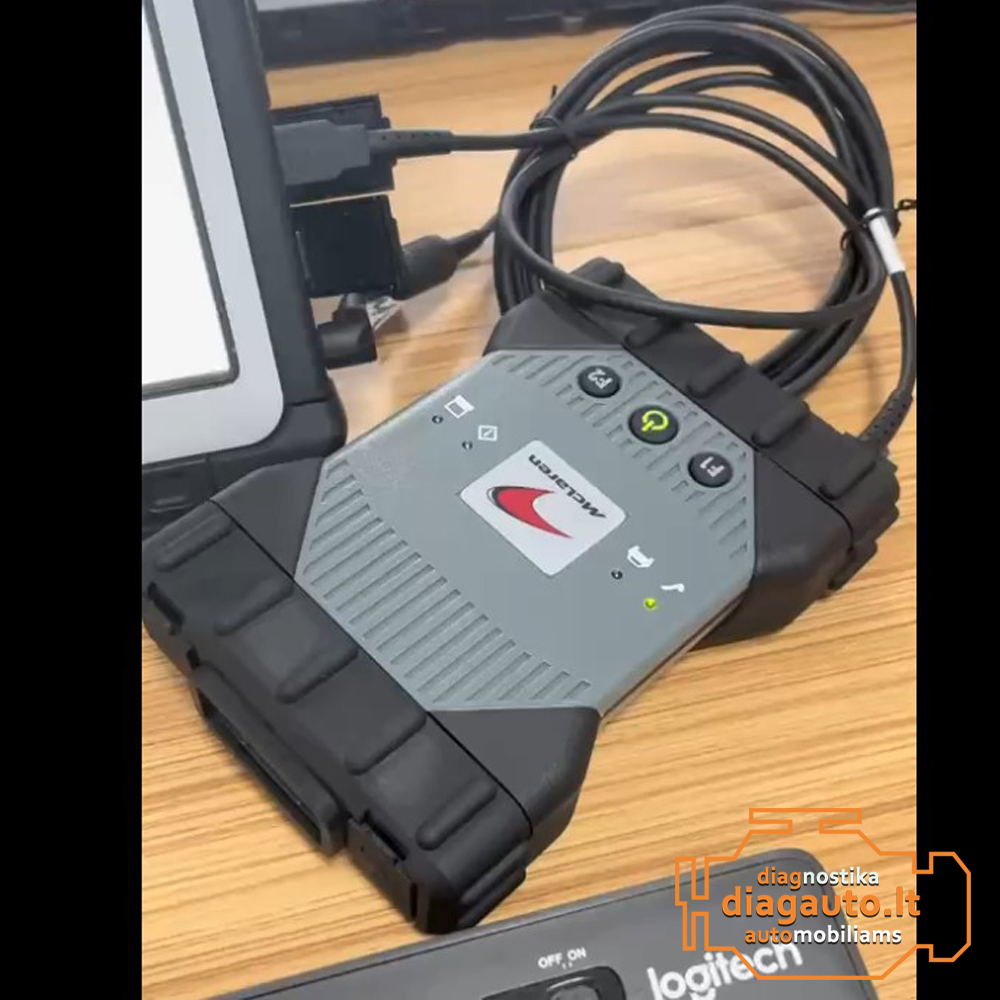
McLaren MDS2 Diagnostic software runs on tablet , with valid McLaren mds license, connected to the vehicle OBD via the Vehicle Communication Interface (VCI). To configure the interface to work with the MDS, there is a separate program to initialise the Wi-Fi connection and set up a network. can be installed as per the installation guide. system login account password can be modified by yourself.
McLaren MDS once the VIN is successfully recognised and the Work Package is confirmed, the MDS launches the Vehicle Information page.
The Vehicle Information tab contains the following quick test information:
- ECUs recognised on the CAN network.
- Software version of the unit.
- Hardware version of the unit.
- Number of confirmed DTCs.
- Software update availability.
The MDS Diagnostic system is preinstalled with the following:
- Softing DTS7 Layer. the Softing DTS7 is a quick access binary database used to convert Hexadecimal output from the vehicle into a set of values for the MDS application. It is installed and configured during the initial setup and should not be uninstalled or reconfigured in any way, as this may cause the MDS application not to work.
- VCI Manager for configuring vehicle communication devices
- The VCI Manager can be accessed from the desktop and is used to configure the VCI for communication with the vehicle
- MDS Diagnostic Application
- The MDS launches using the stethoscope button
- Other related applications
McLaren MDS main function tasks:
- Diagnostic Trouble Codes (DTCs)
- Fault Finding RCA
- Read and clear DTCs
- Control Unit Identification
- Control unit Reprogramming
- Identify software version on each control unit
- Reflash control units if software is updated
- ECU Coding flash programming
- End of line procedures
- Actuators testing
- Actual values
- Sequences
McLaren MDS II Tester Tool KIT checklist:
- Mclaren MDS Panasonic CF-D1 Ttablet
- Mclaren MDS Diagnostic system
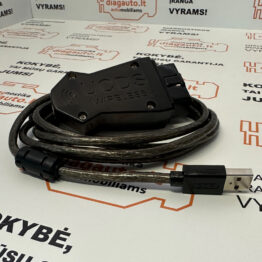
- Mclaren VCI II Diagnostic Adapter
- Mclaren MDS account password
- Mclaren MDS Docking Station
- Mclaren MDS system License
- Mclaren MDS PicoScope
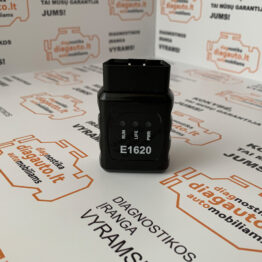
- Mclaren OBD Adapter
- Mclaren MDS Battery
- Mclaren MDS Battery Charger
- Mclaren MDS Spare Power Supply
- Mclaren MDS Spare Stylus Pen
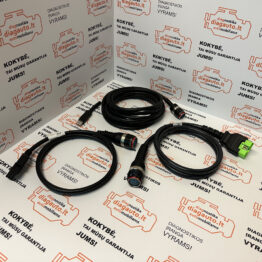
- Mclaren MDS DLC Cable
- Mclaren MDS USB Lead
- Mclaren MDS Stylus Pen
- Mclaren MDS Ethernet cable
- Mclaren MDS Tool carry case
- Mclaren MDS Protective Film
- Mclaren MDS Screen Cleaning Cloth
- Super Fast Cluster Flash Tool SFCF
- Mclaren Wireless Access Point WAP
- Mclaren MDS Warranty Brochure
- Mclaren MDS Training Manual
- Mclaren Technical information
- Mclaren MDS User Guide