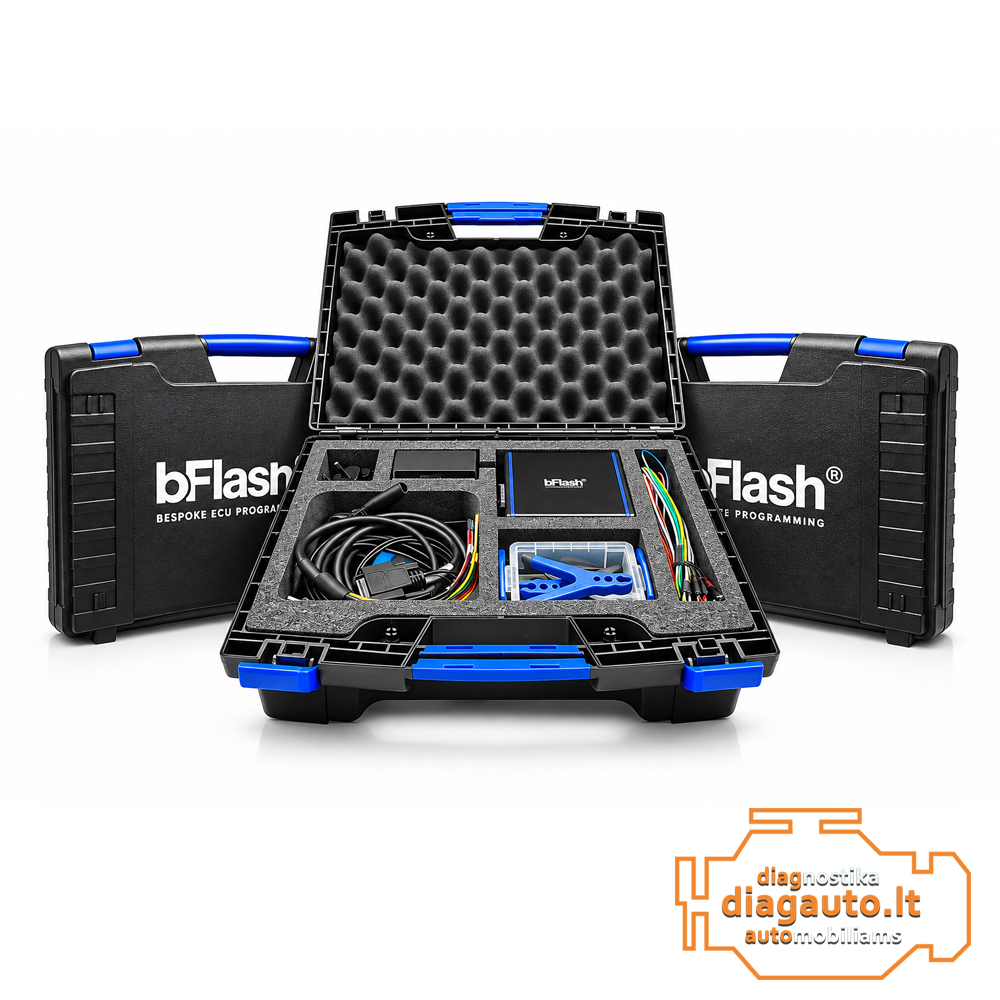
Description
Main Features
- ECU / TCU Reading – read control unit data in encrypted format.
- Encrypted File Transfer – send read files to the associated MASTER user.
- Modified File Writing – write encrypted modified files received from the MASTER.
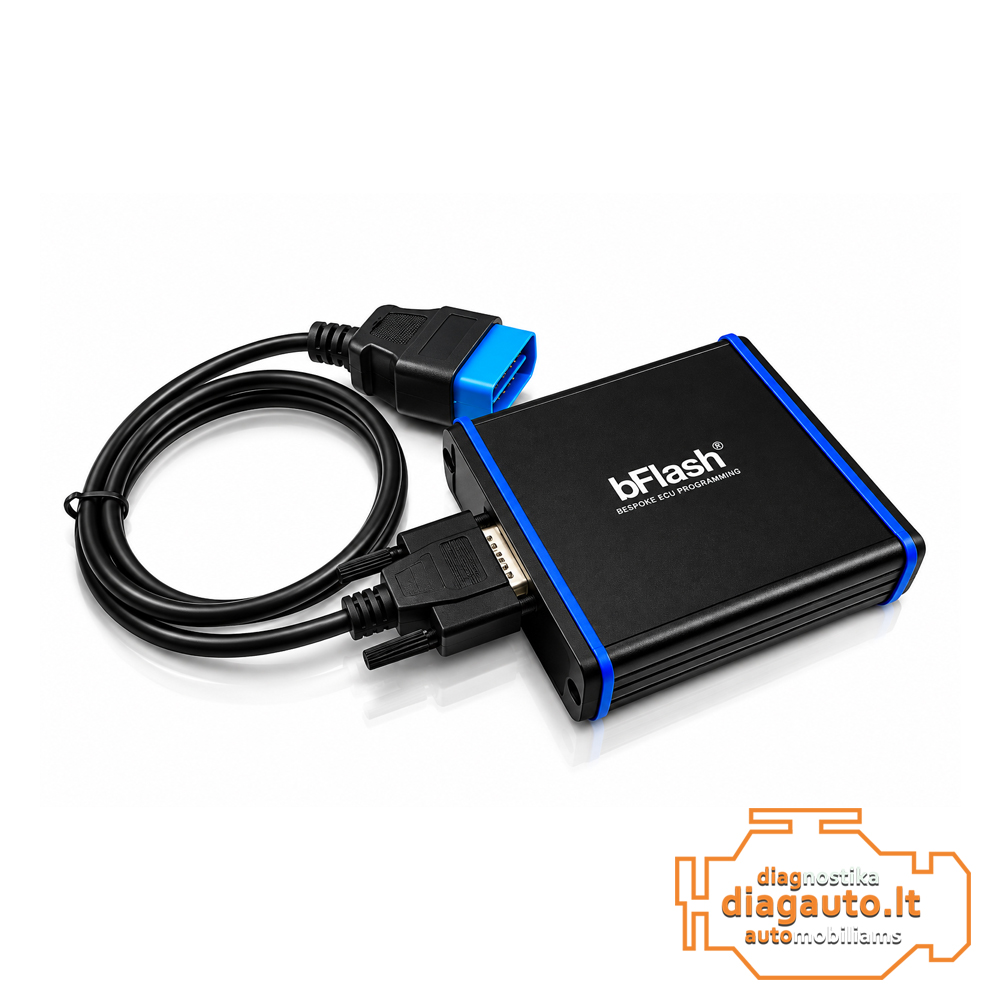
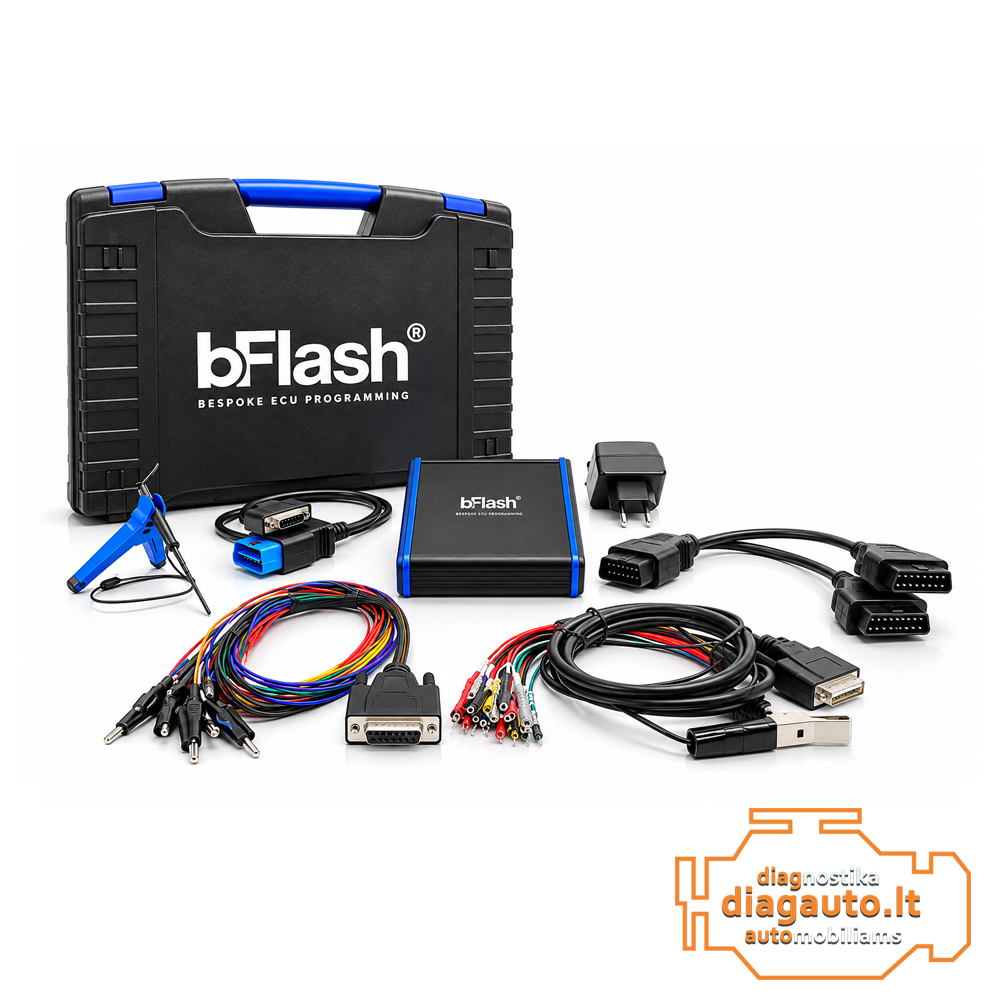
- OBD Programming – work through the vehicle diagnostic connector, where supported.
- BENCH Programming – direct connection to ECU / TCU connectors, where supported.
- BOOT Programming – programming through the control unit board contacts, where supported.
- ECU / TCU Diagnostics – diagnostic functions for supported control units.
- MASTER / SLAVE Workflow – encrypted file exchange between the SLAVE and its associated MASTER user.
Programming Modes
| Mode | Application |
|---|---|
| OBD | ECU / TCU reading and writing through the diagnostic connector |
| BENCH | Direct connection to control unit connectors |
| BOOT | Programming through the control unit board contacts |
Mode availability depends on the specific ECU / TCU model and supported protocol.
How Does the MASTER / SLAVE System Work?
- The SLAVE user reads the vehicle’s ECU / TCU data.
- The read file is encrypted and sent to the associated MASTER user.
- The MASTER user modifies the file and prepares it for programming.
- The modified file is encrypted and returned to the SLAVE user.
- The SLAVE user writes the returned file to the vehicle’s control unit.
Compatibility
The bFlash platform is designed to work with supported automotive ECU and TCU control units. Compatibility depends on vehicle make, model, control unit type and programming protocol.
Important Information
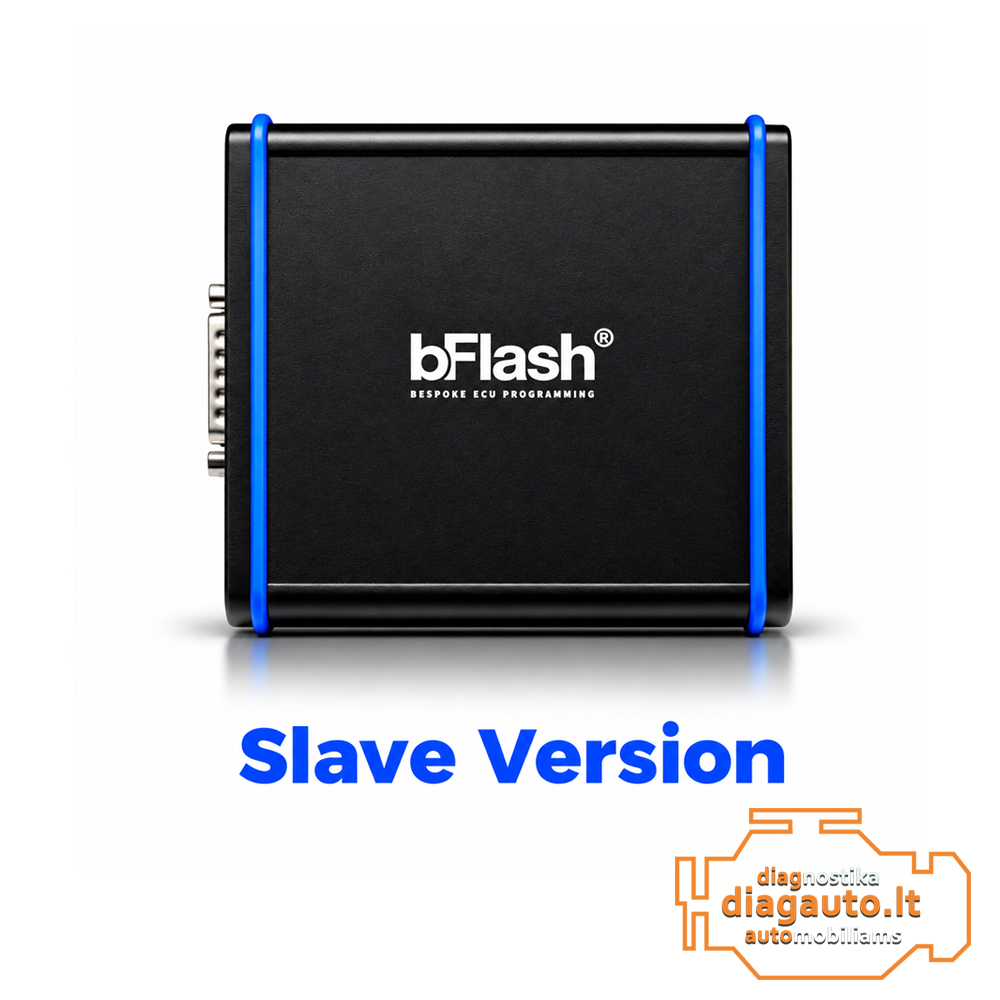
- The SLAVE version is designed to work with encrypted files.
- An associated bFlash MASTER user is required for file modification.
- The SLAVE user cannot independently modify files using MASTER functions.
- Device functions and ECU / TCU coverage depend on software compatibility and active service conditions.
- Check compatibility with the specific control unit before ordering.